
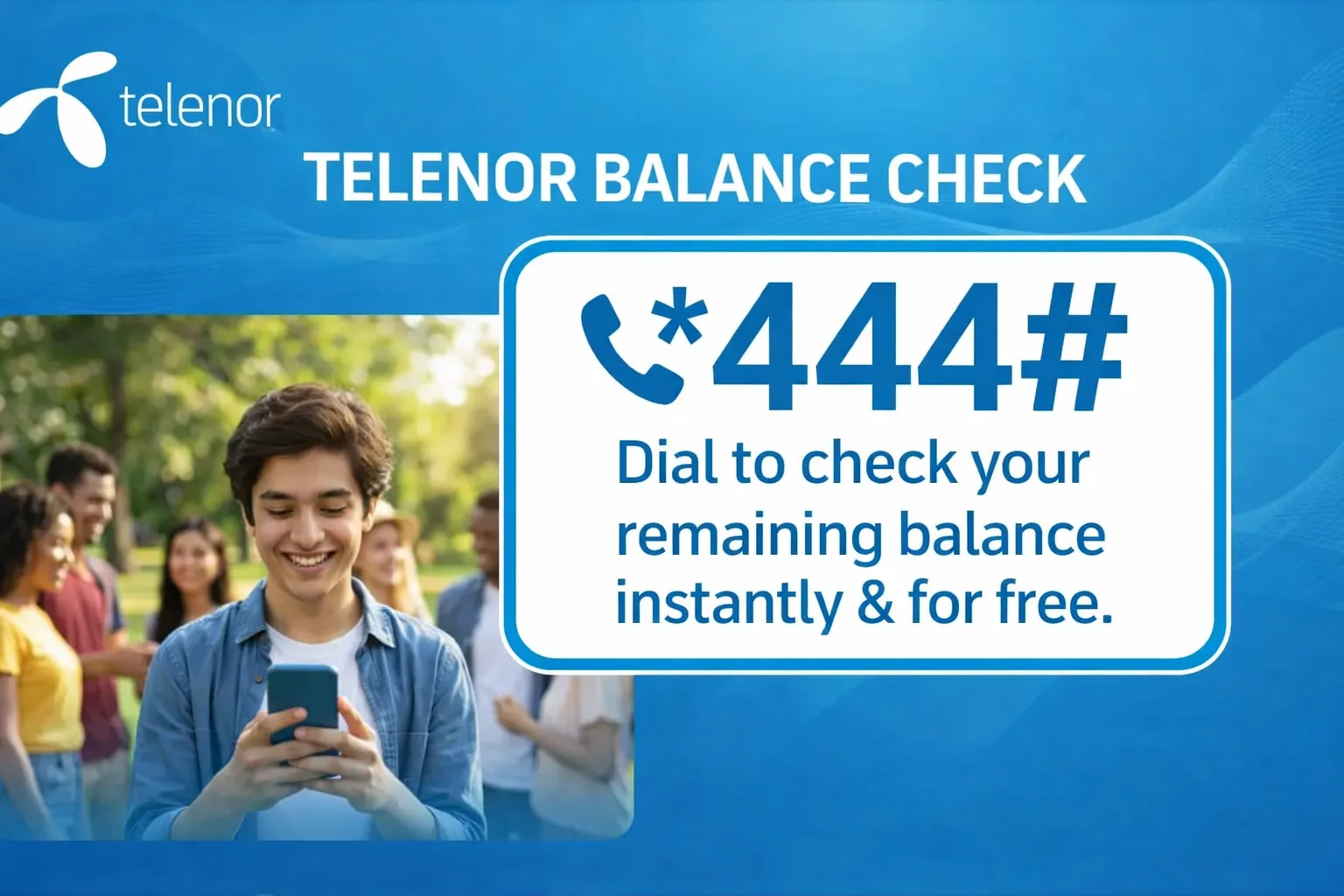
Telenor balance check codes- updated USSD codes
When you are on an important call, and the balance suddenly runs out, it can be annoying. You are not the only one in this category, and almost everyone has faced this issue at some point in their life. The solution to this problem is presented clearly. You can check your balance via USSD, the website, or the My Telenor app in a few seconds.
Telenor balance check code 2026
To check your Telenor current balance, dial *444#. This is the official Telenor balance check code for prepaid customers in Pakistan. This will show all your remaining credentials and keep you connected to your balance details. This method is useful for all prepaid customers in Pakistan.
Note: If you would like to receive daily updates about the My Telenor Quiz, you can save this URL in your browser or subscribe to our notifications.
Methods to Check Telenor Balance Instantly
Telenor makes it easier for its customers to track their usage using simple methods, as outlined below.
My Telenor App
This is the same app as SIMOSA, allowing jazz users to check their balance and remaining usage.
Through the Telenorr website
You can log in to your account on Telenor’s official website to track the usage history of the internet.
Here are some USSD codes and their usage details.
| Service | USSD Code | Charges (Rs.) | Availability |
| Telenor Balance Check code | *444# | 0.20 + tax | All Prepaid Customers |
| Check SMS Remaining | *111# | 0.20 + tax | PAYG Users Only |
| Check Internet MBs | *999# | 0.20 + tax | Bundled & PAYG Users |
| Check Call Minutes | *222# | 0.20 + tax | All Packages |
Through the easypaisa App
You can view your remaining usage if your Telenor account is connected to Easypaisa. This method is best suited for regular users who manage payments digitally daily.
Via Telenor Helpline
If you are confused or stuck on any problem, you can call 345 from the app for instructions.
Steps by step method to Check Your Balance on Telenor SIM
This USSD method is compatible with all Telenor prepaid packages, including Talkshawk, Djuice, and others.
Telenor Advance Balance Code 2026
When you are on an important call and realize minutes are running out. This is the worst condition. Now, Telenor makes it easier for its users. You can get advanced balance by dialing *0#.
| Service | USSD Code | Charges (Rs.) | Conditions |
| Advance Balance Loan | *0# | Rs. 4.18 (Incl. Tax) | The previous loan must be cleared first |
Telenor Balance Check Charges & Conditions
Tips to Save Your Balance on Telenor
Why It’s Important to Check Your Balance Regularly
It’s important to save your balance from background-running apps and from exceeding your subscription limits. This can cause your account balance to vanish overnight. Regularly checking your balance can help you:
Common Issues While Checking Telenor Balance and How to Fix Them?
Sometimes, even after completing all the tasks correctly, the results don’t appear. So here we will discuss all problems and their solutions.
USSD Code Not Responding
If you’re a prepaid user and you dial the code, but the results don’t appear on the screen. This is a common error that everyone encounters at least once.
This can be due to poor signal strength or temporary technical issues with Telenor’s servers. You make sure your signal strength is strong, or move to the area where signals are strong. If that does not resolve the issue, restart your phone and dial the code again. Sometimes waiting a few minutes resolves the issue, as network delays are temporary.
Wrong Balance Displayed
Sometimes the activated package is not displayed on screen, or the balance shows less than expected. This is a common issue for many Telenor users.
You need to refresh the Telenor app, or do so after a few minutes. If this is not working, check your phone’s message inbox for the confirmation. You can also call oon 345 for further information from the helpline.
Helpline issues
By dialing 345, you can get details about the helpline. Then the call drops automatically. This may occur due to network issues or heavy traffic on Telenor’s servers.
Try it after the intervals. If the problem persists, Telenor customer support can help you resolve it.
Dual SIM Confusion
Suppose you are a dual-SIM user and are confused about why the balance isn’t working because your phone is responding to requests from the non-Telenor SIM. So be careful in this case.
Dial the balance-checking code on the Telenor SIM, or deactivate the non-Telenor SIM for a short interval.
Final Words
In short, the Telenor balance check code (*444#) is the fastest and easiest way to monitor your remaining balance in 2026. You can track your data and remaining time in the future; you don’t have to worry about running data during an important task. You can also check your Telenor balance using the Telenor app or other methods.